Understanding Network Devices: A Beginner's Guide
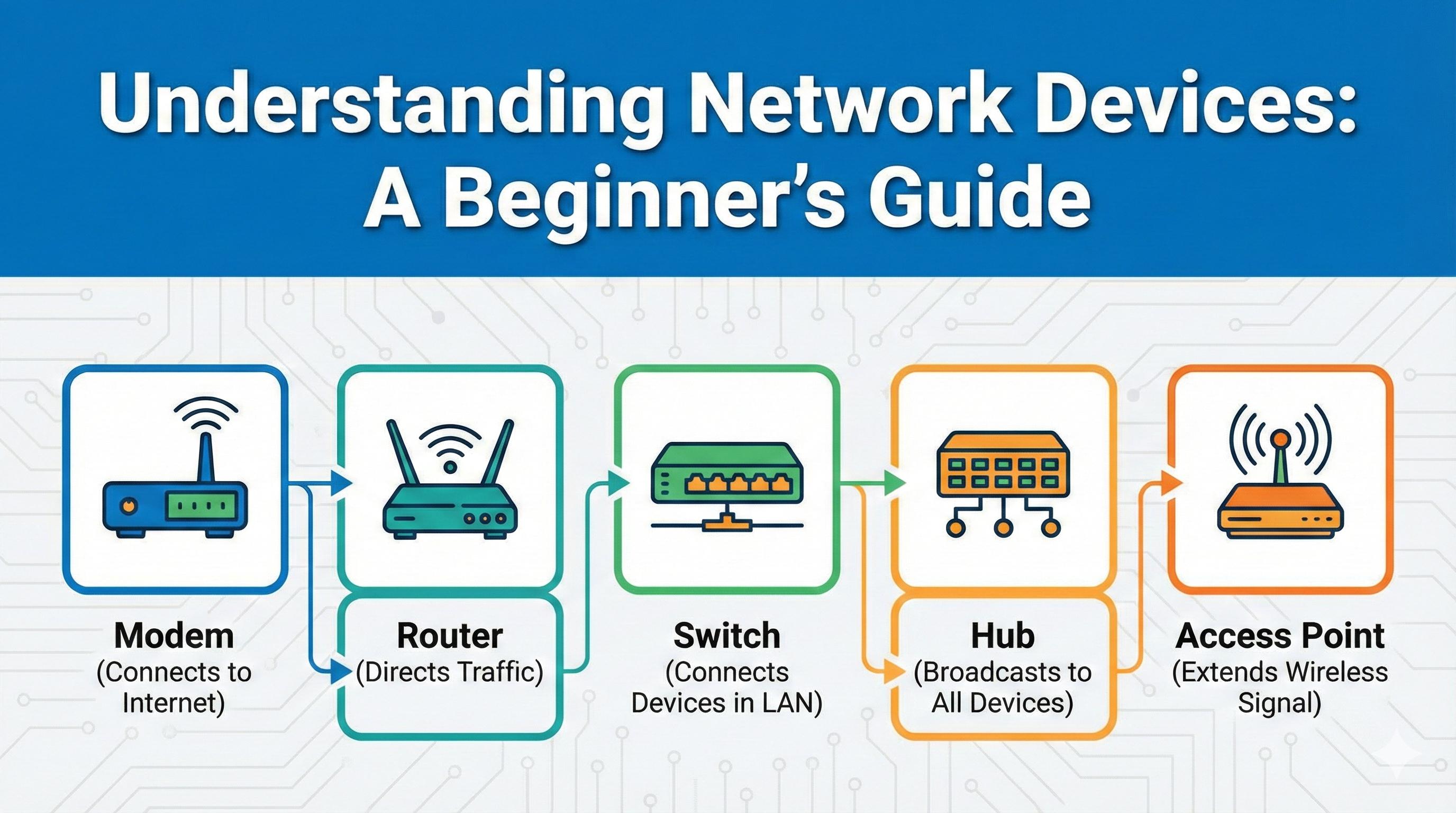
Hey there! So you want to understand how the internet actually reaches your computer? Let me walk you through it like I'm explaining it to a friend over coffee.
How Does the Internet Even Get to Your Home?
Think about it this way. Somewhere far away, there are massive data centers with servers. Your internet service provider has cables running through your neighborhood. But how does all that connect to your laptop? That's where these devices come in.
The Modem: Your Internet Translator
Your internet provider sends signals through cables. Your computer can't read those signals directly. The modem translates them into a language your devices understand.
Think of it as: An international airport processing incoming flights.
One job: Connect your network to the internet.
The Router: Your Traffic Director
You have one internet connection but multiple devices. The router shares that connection with your phone, laptop, TV, and everything else. When data comes back, it knows exactly which device asked for it.
Think of it as: A post office sorting letters into the right mailboxes.
One job: Direct traffic between your devices and the internet.
Hub vs Switch: Local Network Connectors
Need computers in an office to talk to each other?
Hub (the old way): Shouts every message to everyone. Computer A sends data, and the hub copies it to ALL devices. Super inefficient. Basically extinct now.
Switch (the smart way): Learns which device is where and sends messages directly to the right recipient only.
Think of it as: Hub = making copies of a note for everyone. Switch = handing the note directly to the right person.
One job: Connect devices in your local network efficiently.
The Firewall: Your Security Guard
A firewall sits between your network and the outside world. It checks every piece of data trying to come in or go out. You set the rules, it enforces them.
Think of it as: A security gate checking IDs before letting anyone through.
One job: Protect your network by controlling what gets in and out.
The Load Balancer: The Work Distributor
Running a popular website? Thousands of users hitting your server at once will crash it. Solution: use multiple servers. But now you need something to spread the traffic evenly across them.
Think of it as: A restaurant host seating customers at different tables so no waiter gets overwhelmed.
One job: Distribute traffic across multiple servers to prevent overload.
How They All Work Together
Let me paint you a picture of a typical office setup:
Internet signal arrives at your building through a cable
Modem converts that signal into network data
Router takes that connection and creates a local network for your office
Firewall (often built into the router) checks everything coming in and going out
Switch connects all the computers, printers, and other devices in the office
Devices communicate with each other through the switch, and with the internet through the router and modem
For a bigger company running web services:
Internet traffic comes in from users all over the world
Firewall at the edge checks and filters that traffic
Load balancer distributes requests across multiple web servers
Switches connect all the servers in the data center
Routers manage traffic between different parts of the network
Why Software Engineers Should Care
You might be thinking, "I write code, why do I need to know about hardware?"
Here's why it matters:
When you deploy your application to production, it's running on servers connected by these exact devices. Understanding them helps you:
Debug network issues (why is my API slow?)
Design better systems (should I use a load balancer?)
Talk to DevOps and infrastructure teams
Make smart decisions about security and architecture
When you hear terms like "firewall rules," "load balancing strategy," or "network segmentation," you'll actually know what's happening at the hardware level.
Wrapping Up
Every app you build, every API you call, every deployment you make involves these devices working together. They're not just boring boxes with blinking lights. They're the backbone of the internet.
The modem brings the internet in. The router directs it around your network. The switch connects your local devices. The firewall keeps you safe. And the load balancer makes sure big systems don't fall over.
Now you know what's actually happening behind the scenes.
Pretty cool, right?


